
Attendance Tracking & QR Code Check-In
Replace paper sign-in sheets with fast, accurate QR based check-in. Track who attended, how often they participate, and how attendance connects to hours and reporting.
Scan. Check in. Done. Accurate participation records without the manual work.
What Is Attendance Tracking Software?
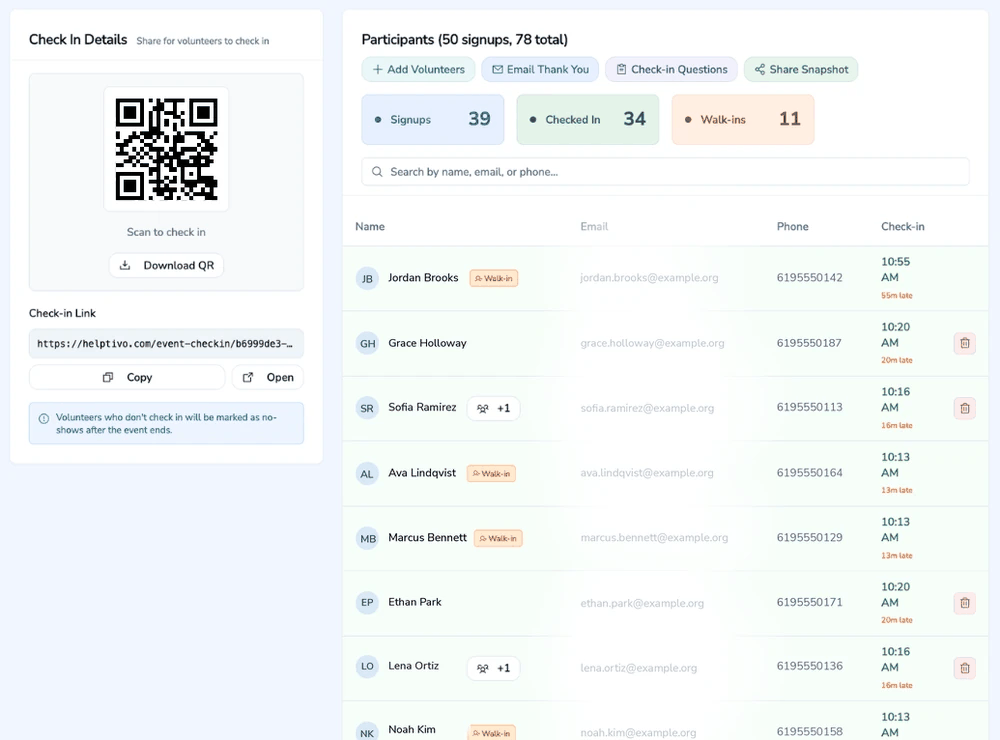
Attendance tracking software is a tool that records who shows up to your events, meetings, and shifts with accurate, timestamped records. Instead of relying on paper sign in sheets that get lost or manual spreadsheet entry that introduces errors, organizations can use a digital system that captures attendance automatically. Helptivo combines attendance tracking with QR code check in so members can scan a code on their phone and be marked as present in seconds.
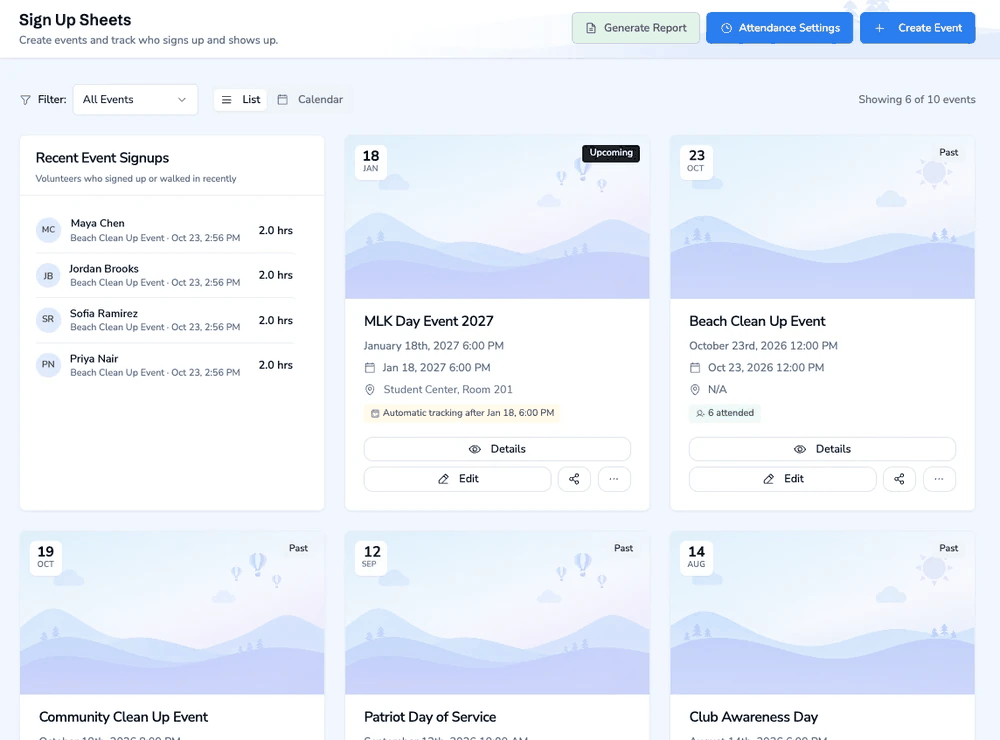
The process is simple. You create an event in Helptivo and a unique QR code is generated automatically. At the event, you display the QR code on a screen, print it, or share it on a tablet. Attendees scan the code on their phone to check in. If you enable check out, they scan again when they leave and Helptivo calculates their exact hours based on actual arrival and departure times. Walk ins can also check in without prior registration.
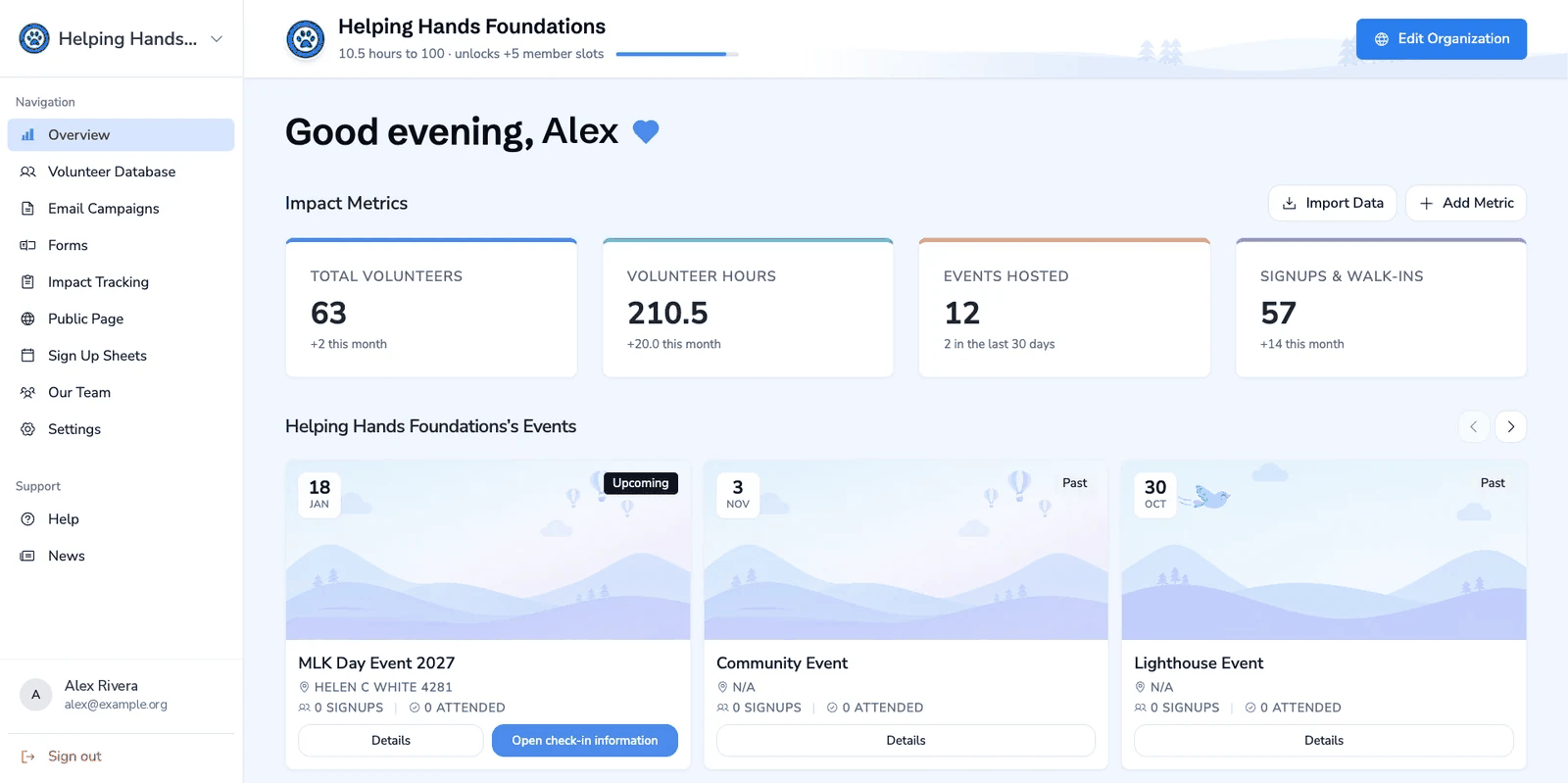
Every attendance record is linked directly to member profiles, so you can see each person's full participation history, total hours, and engagement trends. When it is time to report to advisors, funders, or campus offices, your data is already organized and ready to export. No more compiling sign in sheets or manually calculating hours after every event.
Why Sign-In Sheets Don't Work
Forgotten Sign-In Sheets
Paper sheets get lost, damaged, or forgotten at the event.
Inaccurate Records
Manual entry leads to typos, missed names, and wrong counts.
Hard to Prove Participation
No reliable history of who attended what, when, or how often.
Disconnected From Reports
Attendance data sits in spreadsheets, not connected to hours or impact.
How QR Check-In Works
Create an Event
Set the title, date, time, and duration.
Generate a QR Code
A unique QR code is created automatically for check-in.
Attendees Check In
Members scan the code on their phone. Takes less than 5 seconds.
Data Updates Instantly
Attendance is recorded. Hours and member profiles update automatically.
All Features Included
Members, events, attendance, email and impact tracking, in one place.
Generate a QR code for your event. Members scan it on their phone to check in instantly.
Enable check-out to capture exact departure times for precise hour tracking.
Hours are calculated from actual check-in and check-out times instead of the event default duration.
Track late arrivals and optionally reduce credited hours for members who check in late.
Allow people who did not sign up in advance to check in as walk-ins at the event.
A real-time dashboard you can open on your phone to see who has checked in and manage attendance.
Ask custom questions at the moment of check-in or check-out for feedback or data collection.
Set organization-wide defaults for check-in windows, smart hours, and walk-in policies.
Why QR Check-In Beats Manual Methods
Why Accurate Attendance Matters
Leadership Insights
Understand engagement patterns to make better decisions about programming.
Grant Reporting
Prove participation with accurate, timestamped attendance records.
Member Recognition
Identify and reward your most consistent and active members.
Where It's Used
Frequently Asked Questions
How does QR code check-in work?
Can attendees check in without pre-registering?
Does attendance data connect to volunteer hours?
Can I track attendance for recurring meetings?
What happens if someone forgets to check in?
Modernize your attendance tracking
Accurate, automatic, and connected to everything. Free to start.
Create your free account