
QR Code Attendance Tracking
Replace paper sign-ins and manual spreadsheets with fast, accurate QR-based check-in and check-out for any event.
Scan. Check in. Done. Hours logged automatically.
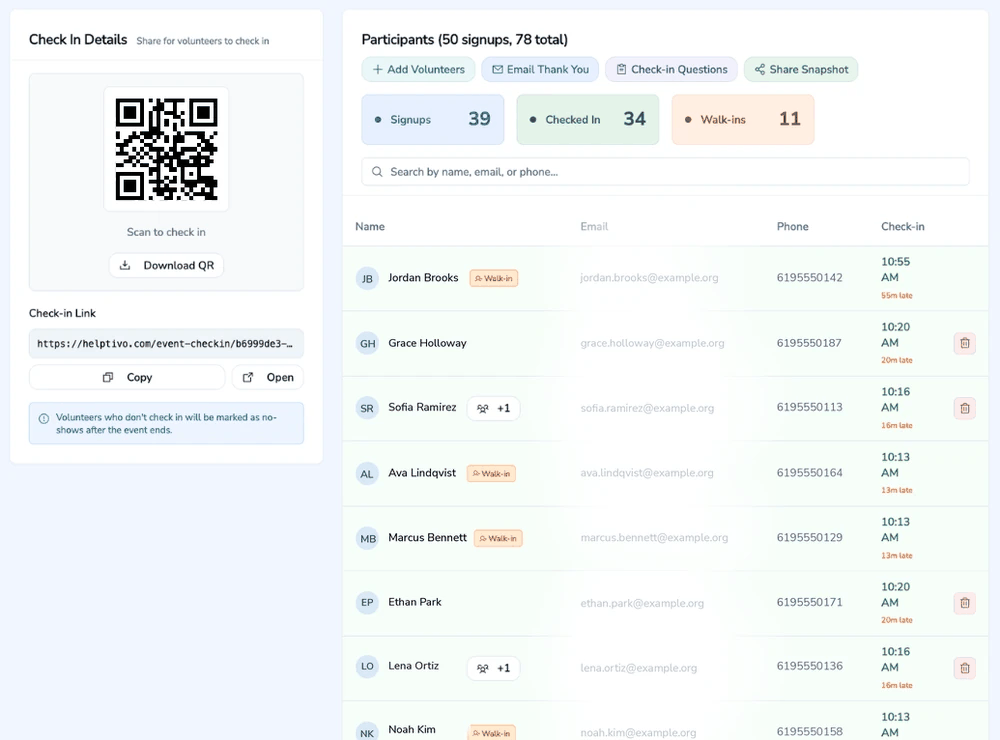
How QR Check-In Works
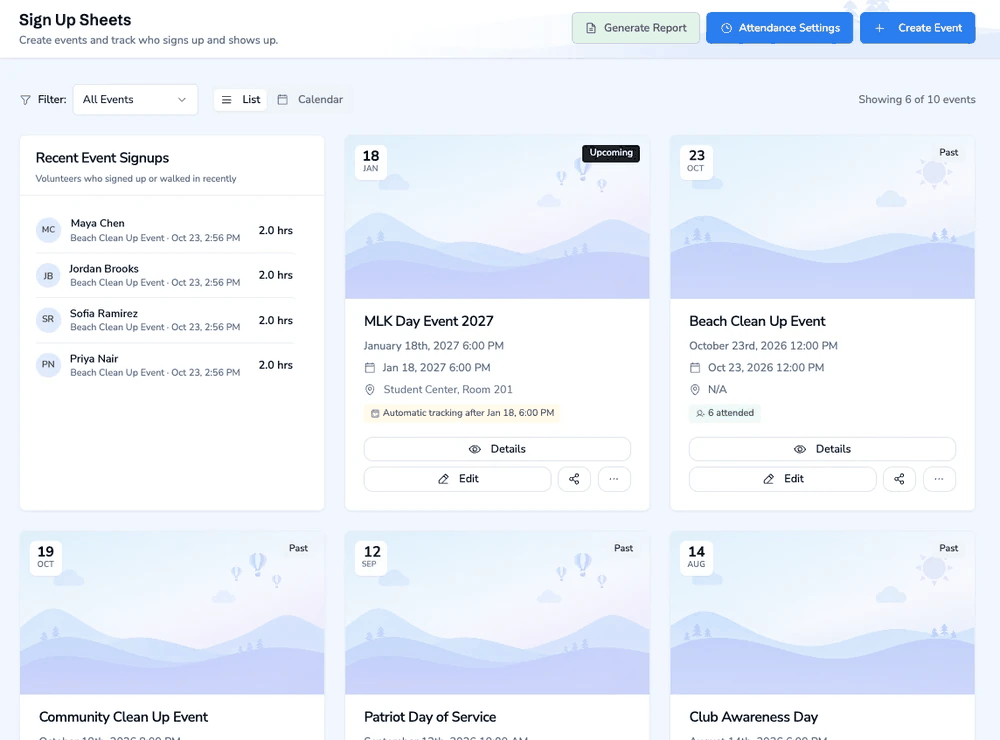
Create an Event
Set the title, date, time, and duration.
Generate a QR Code
A unique QR code is created automatically for check-in.
Attendees Check In
Members scan the code on their phone. It takes less than 5 seconds.
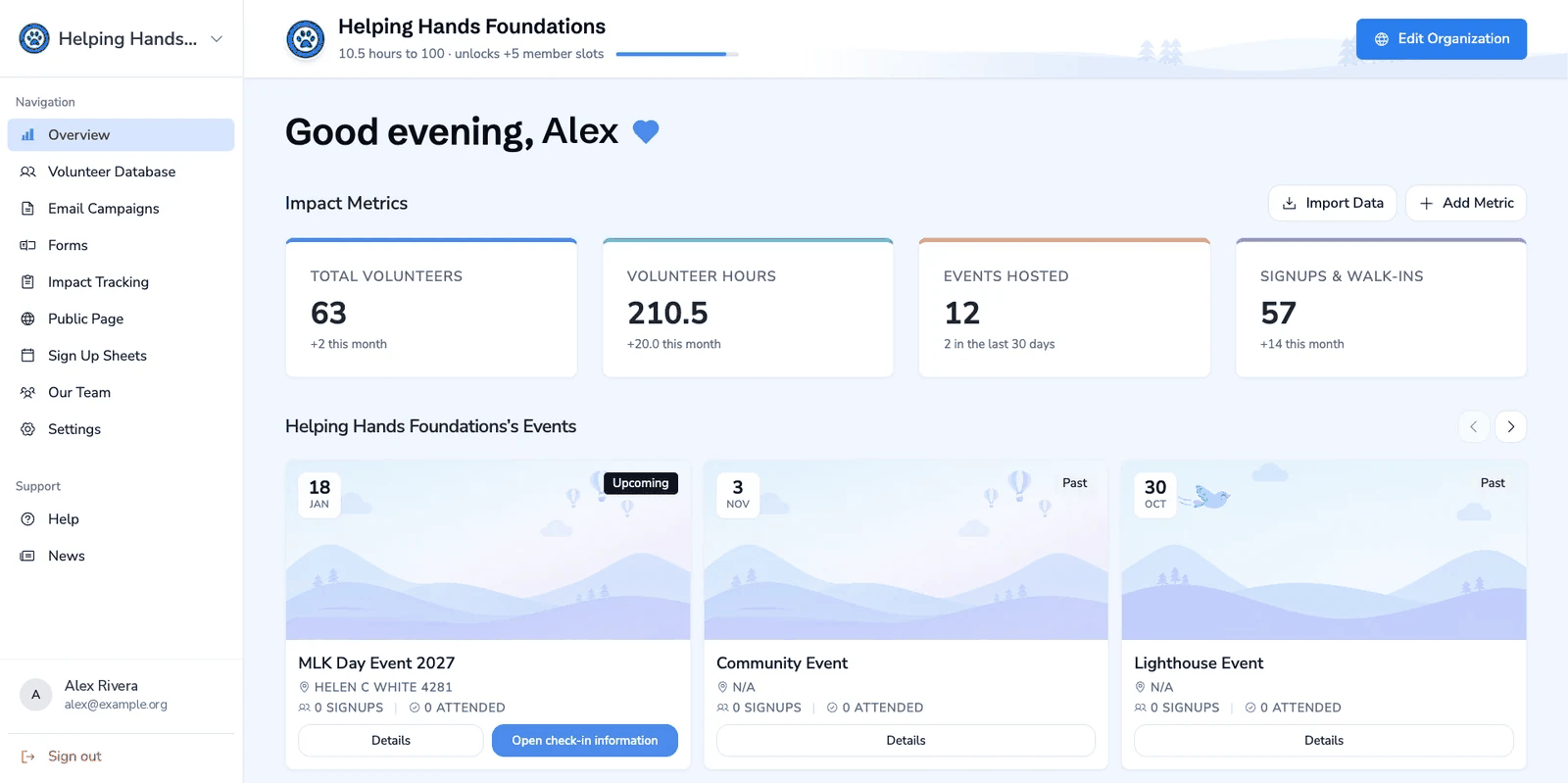
Data Updates Instantly
Attendance is recorded. Hours and member profiles update automatically.
All Features Included
Members, events, attendance, email and impact tracking, in one place.
Create a new member profile with name, email, phone, hours, notes, and flags.
Import many members at once from a CSV or Excel file with automatic column mapping.
Create color-coded tags like "Board Member" or "Trained" to categorize members and filter your database.
Select multiple members and assign or remove flags in bulk to save time.
Search by name, email, flag, or hour range to find exactly who you are looking for.
Hours are automatically credited when members sign up for or check into events with a set duration.
See every event a member has signed up for or attended, all in one place.
Download your member database as a spreadsheet for offline use or reporting.
Set up events with a title, date/time, duration, location, description, and optional cover image.
Each event gets a shareable link where people can register with their name, email, and phone. No account needed.
Add custom questions to your sign up form (text, dropdown, checkbox) to collect extra info at registration.
Set a maximum number of sign ups. The form automatically closes when capacity is reached.
Create recurring event series (weekly, biweekly, monthly) and manage all sessions from one place.
Cancel an event and optionally notify all registered participants via email.
Restrict an event to only members with a specific flag. Others cannot see or sign up for it.
Toggle whether an event appears on your Public Page for visitors to discover and register.
Generate a QR code for your event. Members scan it on their phone to check in instantly.
Enable check-out to capture exact departure times for precise hour tracking.
Hours are calculated from actual check-in and check-out times instead of the event default duration.
Track late arrivals and optionally reduce credited hours for members who check in late.
Allow people who did not sign up in advance to check in as walk-ins at the event.
A real-time dashboard you can open on your phone to see who has checked in and manage attendance.
Ask custom questions at the moment of check-in or check-out for feedback or data collection.
Set organization-wide defaults for check-in windows, smart hours, and walk-in policies.
Why QR Check-In Beats Manual Methods
Where It's Used
Modernize your attendance tracking
Fast, accurate, and automatic. Start using QR check-in for free.
Create your free account